
What Is a Court Docket in Buncombe County
A court docket is the running record of everything that happens in a case, from the day it is filed to the day it closes. Each time a party files a motion, the judge enters an order, or a hearing gets set, a new entry goes on the docket. The docket does not hold the actual documents. It holds the index of them. You can see what was filed, when it was filed, and what the court did, but to read the motion itself or the judge's full written order, you would need to pull the document from the case file, either through eCourts if it is available in electronic form, or from the Clerk of Superior Court in person.
In North Carolina's unified court system, Buncombe County dockets live in the Enterprise Justice and Odyssey case management platform that the state launched statewide on October 13, 2025. Every county uses the same system now. There is no separate local portal or courthouse-specific calendar for Buncombe. The public-facing side of that system is the North Carolina eCourts Portal. Smart Search pulls docket entries as part of a full case record. The Search Hearings tool narrows the view to upcoming court dates and calendars. Both are free. Neither needs an account.
Dockets look different depending on court level. A Superior Court felony docket can run many pages, with entries for arraignment, discovery motions, continuances, plea filings, and sentencing. A District Court misdemeanor docket is often shorter. A magistrate small-claims docket may show just the complaint, service return, and judgment. The structure is the same in each case: date, event type, parties involved, and what happened.
How to Find Buncombe County Court Dockets Online
The North Carolina eCourts Portal is the single public access point for Buncombe County court dockets and hearing calendars. The Portal offers two tools most useful for docket searches. Smart Search returns full case records, including the docket event history. Search Hearings returns the court calendar, showing who is scheduled in which courtroom, before which judicial officer, and on which date. For most docket needs, Search Hearings is the faster path when you know a hearing date is coming. Smart Search is better when you want the full history of a case, not just the next court date.
The Portal requires JavaScript and cookies to work. It also runs a CAPTCHA challenge every five minutes for all users. Have a name or case number ready before you start. Names need to be entered in Last, First Middle Suffix order. Wildcard searches work, but a case number wildcard needs at least four characters, and a person-name wildcard needs at least three last-name characters plus an asterisk and at least one first-name character plus an asterisk.
- Open the North Carolina eCourts Portal and choose Search Hearings from the main dashboard.
- Set the location field to Buncombe County. The dropdown lists all 100 North Carolina counties.
- Choose a hearing type from the options: All Hearing Types, Civil, Criminal, Family, or Probate or Mental Health.
- Select a search type from the menu: Case Number, Party Name, Business Name, Attorney Name, Attorney Bar Number, Judicial Officer, or Courtroom.
- Enter the search criteria that match the type you chose, such as a case number or a name in Last, First format, and click Search.
- Review the hearing calendar results, which will show each scheduled event, the courtroom, the judicial officer, and the date and time.
- For the full docket history of any case, switch to Smart Search, enter the case number, and open the case detail to see all docket entries.
The Search Hearings tool covers the upcoming court calendar. It does not show past hearings the same way Smart Search does. If you need both the upcoming date and the prior event history, use Search Hearings to confirm the date and Smart Search to pull the case record.
The eCourts homepage gives a clear picture of the portal tools available to Buncombe County residents, as shown on the North Carolina eCourts page.
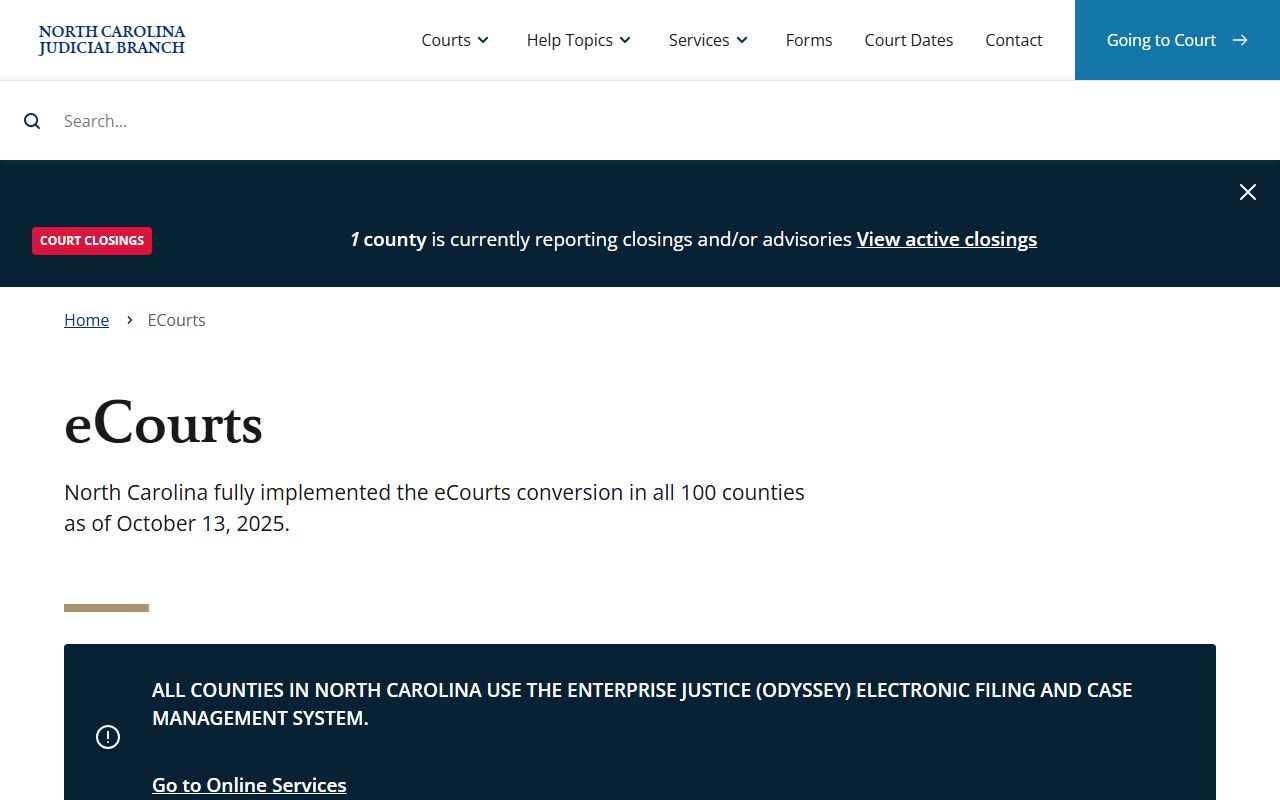
That page links directly to Search Hearings, Smart Search, and the Guide & File service, which are the three eCourts tools most useful when looking up Buncombe County court dockets and calendars.
Note: The Portal email for eCourts technical questions is ecourts@nccourts.org. For questions about a specific Buncombe case, contact the Clerk of Superior Court at (828) 259-3400.
Buncombe County Search Hearings Field Guide
The Search Hearings tool has its own form with fields that differ from the main Smart Search. Knowing what each field does helps you narrow results to Buncombe County hearings faster. The table below covers every field in the form as it appears in the eCourts Portal.
| Field Label | Type | Required | Options / Format Notes |
|---|---|---|---|
| Select Location | Dropdown / multi-select | Yes | All North Carolina counties including Buncombe County; also "All Locations." |
| Select Hearing Types | Dropdown / multi-select | Yes | All Hearing Types; Civil; Criminal; Family; Probate or Mental Health. |
| Select Search Types | Dropdown | Yes | Case Number; Party Name; Business Name; Attorney Name; Attorney Bar Number; Judicial Officer; Courtroom. |
| Sounds Like | Checkbox | Optional | Enables phonetic name matching for name-based searches. |
| Last Name | Text | Conditional | Required when searching by Party Name or Attorney Name. |
| First Name | Text | Conditional | Required or conditional depending on selected search type. |
| Middle Name | Text | Optional | Adds a middle-name filter to narrow name results. |
| Judicial Officer | Dropdown | Conditional | Long list of North Carolina judges; used when searching by judicial officer. |
| Search | Button | n/a | Submits the hearing search. |
The Judicial Officer dropdown is useful when you know the judge assigned to a case and want to see the full calendar. The Buncombe District 40 bench includes Superior Court and District Court judges, all searchable through this field. District Court in Buncombe has seven judges including Chief Judge Ward Scott, and Superior Court has two judges for District 40.
What a Buncombe County Docket Entry Shows
Each entry on a Buncombe County court docket captures one event in a case's life. The eCourts Portal pulls this data from the Odyssey case management system that the Clerk of Superior Court uses to file, process, and index all court documents. The fields below appear in the case detail view for most public case types, and they give you a full picture of what has happened and what is scheduled next.
| Field | What It Shows |
|---|---|
| Case Number | The unique court file number assigned at filing. Use this to pull up the case directly in Smart Search or Search Hearings. |
| Parties | Plaintiff and defendant, or petitioner and respondent, in Last, First Middle Suffix format. Business names appear for civil and special proceedings. |
| Case Type | Civil, criminal, family, probate or mental health, traffic, or infraction. This determines which court level handled the matter. |
| Case Status | Open/pending, disposed/closed, appealed, inactive, or sealed/restricted where applicable. |
| Hearing Type | The type of scheduled event, such as arraignment, motion hearing, trial, sentencing, or review. |
| Judicial Officer | The judge or magistrate assigned to the hearing. Buncombe Superior Court is District 40; District Court is also District 40. |
| Courtroom | The room number or designation in the Buncombe County Courthouse at 60 Court Plaza, Asheville. |
| Hearing Date and Time | The scheduled date and time for the event on the court calendar. |
| Docket Entries | Chronological list of actions: motions filed, notices, continuances, orders entered, judgments, payments, and clerk actions. |
| Filing Date | The date the Clerk accepted the first document in the case, which starts the clock on deadlines and appeal windows. |
Social Security numbers, financial account data, minor identifying details, sealed juvenile and adoption content, and expunged records do not appear in the public docket view. The Clerk redacts or restricts that data before records go to public access.
Which Buncombe County Courts Publish Dockets
All state trial court levels in Buncombe County are now on the eCourts system, which means their docket data flows into the same Portal. The unified North Carolina General Court of Justice means there is no separate county court or municipal trial court competing with a different system. Federal courts in Buncombe use PACER, a completely separate federal access system. Here is a breakdown of each court level and what docket information is available.
- Superior Court, District 40 - handles felonies, civil cases over $25,000, and appeals from District Court. Dockets include indictments, arraignments, grand jury actions, motions, discovery disputes, plea entries, trials, sentences, and post-conviction filings.
- District Court, District 40 - handles misdemeanors, infractions, family matters, juvenile cases where public access is allowed, and civil cases at or below $25,000. Dockets include citations, pleas, continuances, custody orders, protective orders, and small-dollar judgments.
- Magistrates - issue warrants, set bail, hear small claims up to $10,000, evictions, recovery of personal property, and motor vehicle mechanics' lien cases. Magistrate-level entries feed into the same eCourts case system.
- Specialty courts - Adult Treatment Court, Veterans Treatment Court, and DWI Treatment Court are District 40 programs. Cases within those programs still carry regular criminal or civil case numbers tracked in eCourts.
For federal court dockets, Buncombe County falls in the U.S. District Court for the Western District of North Carolina, with the Asheville division at 100 Otis Street. Federal civil, criminal, and bankruptcy dockets are on PACER, not the state portal. Appeals from federal district court go to the U.S. Court of Appeals for the Fourth Circuit.
See the Buncombe County District Court page for more detail on how the two state trial court levels divide their caseloads and where to find each court's contact information.
Buncombe County Dockets vs. Full Case Records
People often use "docket" and "case record" as if they mean the same thing. They do not. The docket is the log. The case record is the full file. Both live in eCourts, but they serve different purposes. A docket tells you what happened and when. The case record holds the actual documents, filings, orders, and exhibits that drove those events. For many practical uses, the docket is enough. Lawyers and parties who need to read a specific motion or the court's written findings need the case file itself.
| Docket | Full Case Record | |
|---|---|---|
| Format | Chronological list of events | Complete documents, filings, and orders |
| Access | Free and online through eCourts | May require in-person visit or certified copy fee |
| Best for | Checking case status, next hearing date, and event history | Legal review, reading motions and orders, evidence |
| Who maintains it | eCourts Odyssey system, updated by clerk actions | Clerk of Superior Court, 60 Court Plaza, Asheville |
| Certified? | No; online docket is not a certified record | Certified copies available from the Clerk |
For a full case file, certified copies must come from the Buncombe County Clerk of Superior Court. The Clerk's office is at the Buncombe County Courthouse, 60 Court Plaza, Asheville, NC 28801, and the main number is (828) 259-3400. Hours are Monday through Friday, 8:00 AM to 5:00 PM. Online docket entries are not accepted as certified records in legal or financial proceedings.
For full case files including arrest and criminal records, the same Clerk office is the right source. The eCourts docket gives you the roadmap. The Clerk gives you the documents.
How to Read a Buncombe County Court Docket
Docket entries use shorthand. If you are not familiar with court terminology, the entries can look like a jumble of codes and phrases. Most entries fall into a few categories: filings by parties, actions by the court, scheduling events, and final dispositions. Learning the most common terms takes the guesswork out of reading a Buncombe County docket.
Motions are written requests to the court for an order. When the docket shows a motion filed, that means a party has asked the judge to do something, such as suppress evidence, continue a hearing, or dismiss a charge. Orders are the judge's written responses. An order entered on the docket means the judge decided something. A continuance means a scheduled hearing was postponed. That is common in both criminal and family cases. The term "plea entered" signals that a criminal defendant has responded to charges, either with guilty, not guilty, or no contest. "Judgment" or "judgment entered" means the court has made a final or enforceable decision. In civil cases, that can include money judgments that become liens. In criminal cases, it includes the sentence.
Disposition codes tell you how a case ended. The most common in Buncombe County court dockets are "dismissed with leave," "dismissed without leave," "prayer for judgment continued" (a North Carolina sentencing tool that delays a final conviction entry), "convicted," "acquitted," and "nolle prosequi," which means the prosecutor has decided not to go forward with a charge. "Dismissed with prejudice" means the case is closed and generally cannot be refiled. "Dismissed without prejudice" means it could come back.
An order for arrest appears on the docket when a defendant fails to appear in court. In North Carolina, that is called a failure to appear and it triggers both a financial penalty and, in most cases, an order authorizing law enforcement to take the person into custody. If an order for arrest appears on a Buncombe County docket, the person should contact a lawyer immediately. The Clerk of Superior Court at (828) 259-3400 and the District Attorney's Office at (828) 259-3410 are the first official contacts in that situation.
The local rules and forms page for Buncombe County, maintained by the N.C. Judicial Branch, lists the specific hearing and assignment forms used in local practice, including the Notice of Hearing and Judicial Assignment form and the Request for Peremptory Setting form. Those forms appear as docket entries when filed. The Buncombe local forms are published on the Buncombe County local rules and forms page.
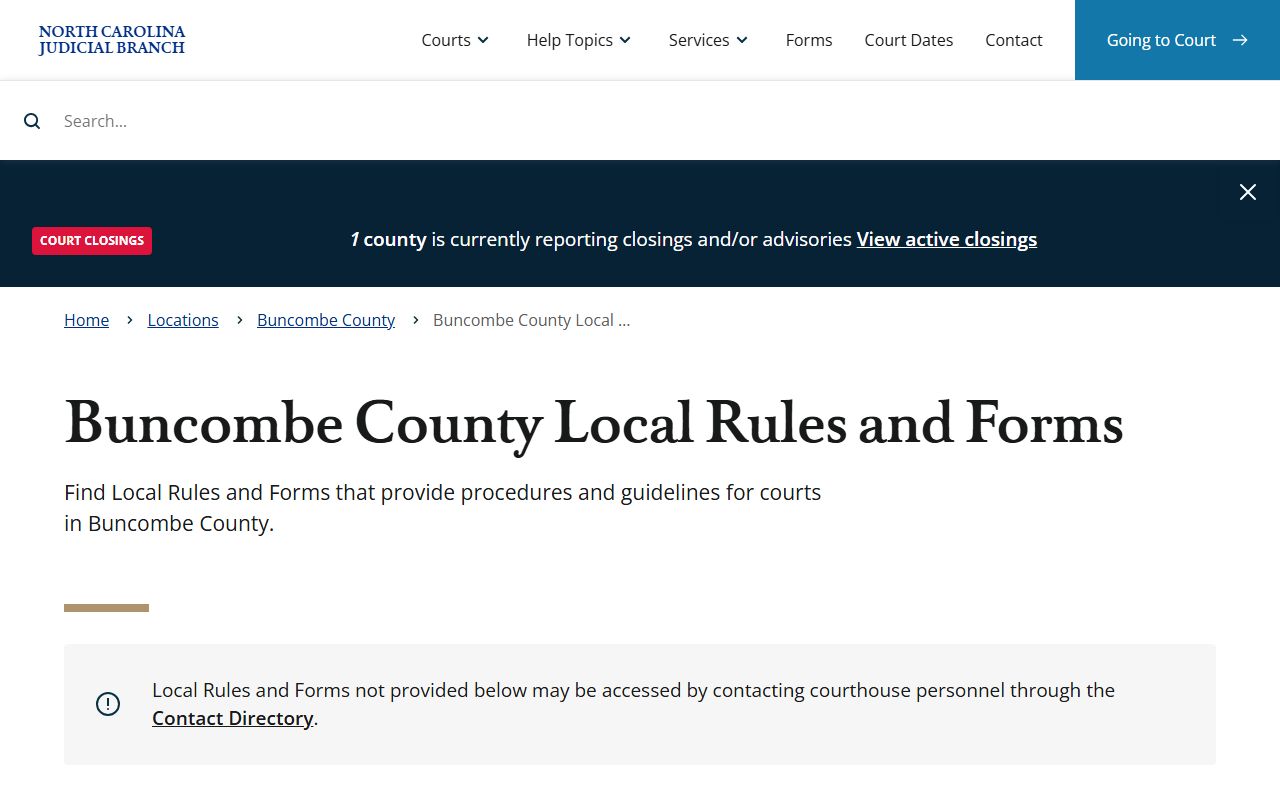
That page is where local attorneys and self-represented parties find the hearing forms that show up as docket entries in Buncombe County Superior and District Court cases, including family court scheduling documents and equitable distribution affidavits.
Note: The jury service page for Buncombe County also links to court calendar and scheduling information relevant to anyone tracking a case through the docket system.
Missed Court Dates and Buncombe County Dockets
When someone does not appear for a scheduled court date, the docket records that fact. In North Carolina, the court can respond in two ways. First, it issues a "failure to appear" finding. Second, in most criminal matters, it enters an order for arrest. That order shows up on the docket as a new entry. The same eCourts Smart Search that shows the original case record will show the order for arrest once it is entered. This matters because it is a public record, visible to anyone who runs the name through the portal.
The financial side is also real. A failure to appear in a criminal or infraction matter can trigger a license suspension and fines on top of whatever the original charge carried. The Buncombe Clerk page warns that failing to appear can result in an order for arrest and a financial penalty. If a court date was missed, contacting a lawyer is the first step. If no lawyer is involved, the Clerk of Superior Court at (828) 259-3400 and the District Attorney's Office at (828) 259-3410 are the right contacts to sort out next steps. The docket entry itself will show the date the failure to appear was recorded and whether an order was entered.
For family court cases, a missed hearing can also result in a default judgment or other adverse ruling. The docket will show what action the judge took in the absence of the party. Catching up on those entries through Search Hearings or Smart Search is the fastest way to know what the court did and what date, if any, is next on the calendar.
Buncombe County Jury Service and the Court Calendar
Jury service in Buncombe County is tied directly to the court docket. Superior Court trials that require a jury appear on the court calendar and generate docket entries as the case moves from arraignment through trial. When a case is set for a jury trial, the scheduling entry appears in eCourts Smart Search as part of the case docket. The Buncombe County jury service page maintained by the N.C. Judicial Branch is the official resource for jurors called to serve in District 40.
The jury service page also provides practical information about parking and courthouse access that applies to anyone appearing in court, not just jurors. The parking deck at 164 College Street, across from the courthouse, is where jurors park with validation. That same resource is the starting point for anyone checking in on a case with a trial setting in the Buncombe docket.
The N.C. Judicial Branch page for Buncombe County jury service is shown below as an example of the official scheduling resources linked to Buncombe County court calendar information, as captured from the Buncombe County jury service page.
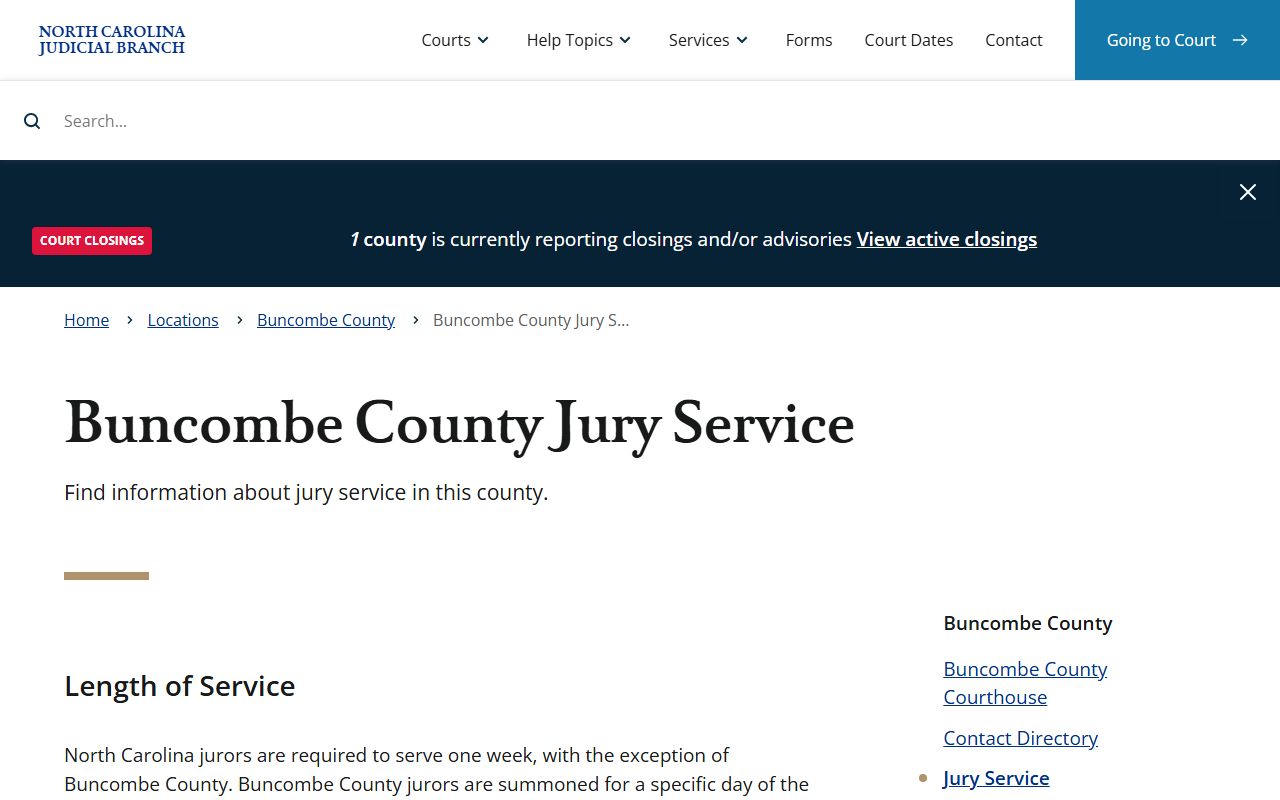
That page is where anyone summoned for jury duty in Buncombe County finds reporting instructions, and it is also relevant to tracking Superior Court trial calendar entries in the eCourts docket system.