
How to Search Buncombe County Court Records
The official system for searching Buncombe County court records is the North Carolina eCourts Portal. North Carolina completed its statewide rollout of the Enterprise Justice and Odyssey case-management platform on October 13, 2025, and all 100 counties, including Buncombe, now run on it. The Portal gives four main public tools: Smart Search for cases and case information, Search Hearings for court dates and judicial calendars, Make Payments for eligible criminal and infraction cases, and NC Judgment Search, which functions as a statewide judgment index under N.C.G.S. 7A-109(b)(6). All four are free. No account is needed to search.
Before starting, have a few things ready. You need a name in Last, First Middle Suffix format, or a case number. The Portal requires JavaScript and cookies enabled in your browser. A CAPTCHA challenge appears every five minutes for all users, registered or not. For payments, the system accepts Visa, MasterCard, and Discover only. Digital payment apps like Apple Pay or Venmo are not accepted. Questions about a specific case go to the Clerk of Superior Court at the courthouse, or you can email ecourts@nccourts.org for system questions.
The N.C. Judicial Branch eCourts page explains the system and links to the Portal.
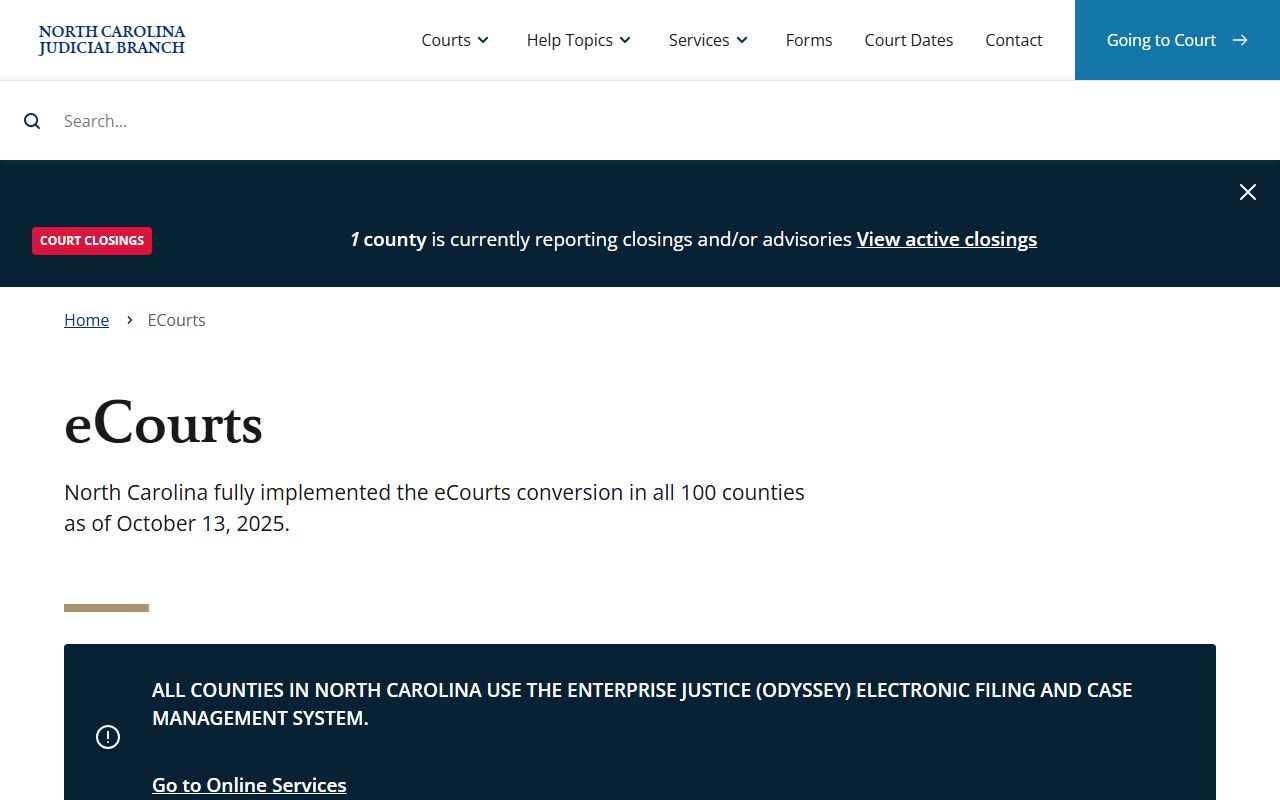
The eCourts page covers what the Portal handles, system requirements, and where to get help if a search does not return expected results for a Buncombe County case.
- Open the Portal at portal-nc.tylertech.cloud and select Smart Search from the home screen.
- Enter a case number directly, or enter a name in Last, First Middle Suffix format in the name field. For a wildcard case-number search, use at least four characters. For a wildcard person-name search, use a minimum of three characters plus an asterisk for last name and at least one character plus an asterisk for first name.
- Open Advanced Filtering Options. Set the location to Buncombe County so results are not pulled from all 100 counties at once.
- Narrow further by case type (civil, criminal, family, probate or mental health, traffic), case status, or a filing date range if you have a rough time frame.
- Review the docket entries, hearings listed, judicial officer, and disposition shown on the case detail screen.
- If the search involves a court date rather than a case record, switch to Search Hearings. Select Buncombe County, pick the hearing type, and choose the search mode (party name, case number, judicial officer, or courtroom).
- For a certified official copy, contact the Clerk of Superior Court at 60 Court Plaza, Asheville. Online search results alone are not certified documents and are not accepted in legal proceedings.
Note: Business names and nicknames use a four-character wildcard minimum in Advanced Filtering, not the three-character rule that applies to personal last names.
Buncombe County eCourts Smart Search Fields
Smart Search has two layers: a basic name-or-number entry at the top and an Advanced Filtering Options panel below it. The advanced panel is where most productive Buncombe County court record searches happen, because it lets you lock the results to Buncombe County and filter by case type or date. The table below shows every field available in Smart Search.
| Field Label | Type | Required | Notes / Format |
|---|---|---|---|
| Enter a Record Number or Name in Last, First Middle Suffix Format | Text | Yes (one search criterion required) | Record number or party/business name. Main entry point. |
| Enter a Last Name | Text | Conditional | Required for structured party-name search. Wildcard: minimum 3 characters + *. |
| Enter a First Name | Text | Conditional | Wildcard: minimum 1 character + *. |
| Enter a Middle Name | Text | Optional | Person-name refinement only. |
| Name Suffix | Dropdown | Optional | Portal requires a valid suffix value if the field is used. |
| Filter by Location | Multi-select/Dropdown | Optional but recommended | All Locations or any North Carolina county, including Buncombe County. |
| Include | Checkbox | Optional | Cases checkbox. |
| Search by | Radio/Dropdown | Optional | Party Name; Nickname; Business Name; Sounds Like. |
| Filter by Date of Birth From | Date | Optional | DOB range start for party filter. |
| Filter by Date of Birth To | Date | Optional | DOB range end. |
| Filter by Gender | Dropdown | Optional | Party demographic filter. |
| Filter by Ethnicity | Dropdown | Optional | Party demographic filter. |
| Filter by Phone Number | Text | Optional | Party/contact filter. |
| Filter by FBI Number | Text | Optional | Criminal justice identifier. |
| Filter by SO Number | Text | Optional | Sheriff's office identifier. |
| Filter by Booking Number | Text | Optional | Booking identifier from detention facility. |
| Filter by Case Type | Dropdown | Optional | Civil, Criminal, Family, Probate or Mental Health, Traffic/Infraction. |
| Filter by Case Status | Dropdown | Optional | Open, disposed, appealed, inactive, and other status codes. |
| Filter by File Date Start | Date | Optional | Filing date range start. |
| Filter by File Date End | Date | Optional | Filing date range end. |
| Submit/Search | Button | n/a | Executes the search. |
The N.C. Judicial Branch's full services overview lists which case actions can be completed online and which still require an in-person visit to the clerk's office.
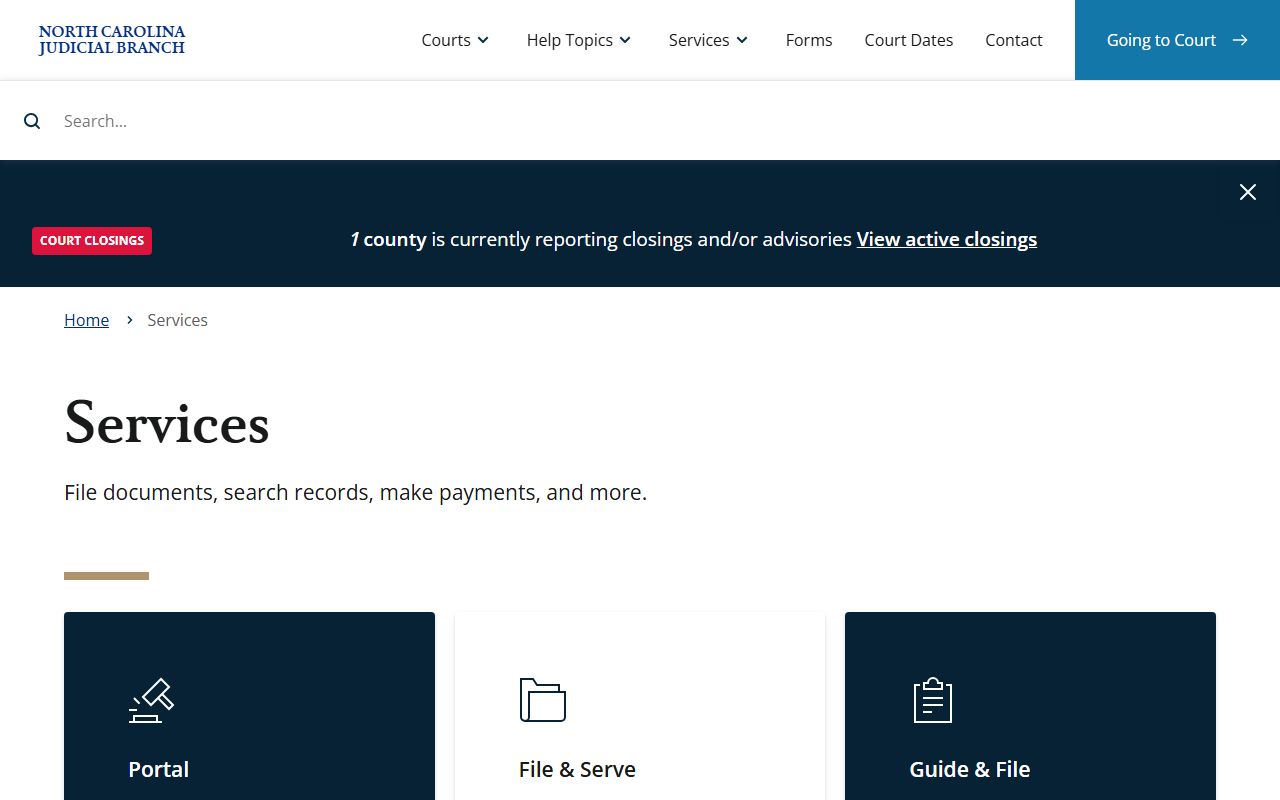
That services page also describes which payment types are accepted for fines and fees, which is useful before a visit to pay a Buncombe County case balance online.
Types of Buncombe County Court Records
Buncombe County sits in Judicial District 40 for both Superior Court and District Court. The two courts split the work based on the severity of the matter and the dollar amount in dispute. Superior Court takes felonies, civil cases over $25,000, and appeals from District Court misdemeanor and infraction rulings. District Court handles misdemeanors, traffic infractions, family matters, juvenile cases, and civil disputes at or below $25,000. Magistrates sit below both courts and handle small claims, evictions, warrants, and bail. Every case from every level shows up in eCourts, so a single search covers the whole range of Buncombe County court records.
A few record types require a note about which office keeps them. Divorce records are court records held by the Clerk of Superior Court, not the Register of Deeds. Marriage licenses and certificates are Register of Deeds records, not court records. If you need land records, deeds, or vital records, those are at 205 College Street, not the courthouse. For criminal defense and court-appointed representation, the Office of the Public Defender handles indigent cases. The Indigent Defense Services Buncombe County page lists local resources.
- Criminal records - felony prosecutions in Superior Court; misdemeanors and infractions in District Court. Files can include citation or warrant, charges, statute, bond, court dates, pleas, disposition, judgment, and sentence.
- Civil records - cases over $25,000 in Superior Court; at or below $25,000 in District Court. Documents may include complaint, summons, answer, motions, orders, and judgment.
- Family and divorce records - divorce, custody, child support, domestic violence protective orders, and related family matters in District Court. Kept by the Clerk, not the Register of Deeds.
- Probate and estate records - wills, estate administration, guardianship, incompetency, trusts, and special proceedings before the Clerk as judge of probate. See the probate records page for details.
- Traffic records - citations and infractions routed through District Court. Fields include citation number, offense, court date, plea, disposition, fine, costs, and payment status. See traffic court records for the full lookup process.
- Small claims and evictions - magistrate-level cases up to $10,000, landlord-tenant summary ejectment, recovery of personal property, and vehicle mechanics' liens.
Note: Marriage license records and land records are Register of Deeds records and do not appear in the eCourts case search for court files.
What Buncombe County Court Records Show
A case record in eCourts pulls together the core facts about a case. The exact fields vary by case type. A felony criminal file shows different data points than a small-claims eviction. But most public records share a common set of identifiers. You will see who is involved, what the case is about, where it stands right now, and what the court has done so far. Reading a record well means knowing what each field actually means, not just what it says.
| Field | What It Shows |
|---|---|
| Case Number / Record Number | The unique court file number assigned when the case is opened. Portal supports direct record-number lookup; wildcard searches need at least four characters. |
| Filing Date | The date the clerk accepted the first document. Use the file-date filter in Smart Search to narrow by date range. |
| Parties | Plaintiff and defendant in civil cases; petitioner and respondent in family matters; defendant and state in criminal cases. Names appear in Last, First Middle Suffix format. |
| Case Type | Civil, criminal, family, probate or mental health, traffic/infraction, or juvenile where public access is permitted. |
| Case Status | Open/pending, disposed/closed, appealed, inactive, or sealed/restricted where applicable. |
| Charges / Cause of Action | The statute, offense, or civil claim at issue. Criminal files show the charge and citation statute. Civil files show the cause of action. |
| Hearings | Scheduled court dates, courtroom assignments, and judicial officer. Search Hearings mode gives the most direct access to hearing calendars. |
| Docket Entries | Chronological list of case events: motions filed, orders entered, continuances, notices, judgments, appeals, and clerk actions. |
| Disposition | The outcome of a charge or the case as a whole. Examples: guilty plea, acquittal, dismissal with prejudice, dismissal without prejudice, judgment for plaintiff. |
| Sentence / Judgment | The court's final penalty or money judgment. Probation conditions and payment obligations may appear here. |
| Financial Fields | Fines, court costs, fees, payment eligibility, and online payment status for eligible criminal, infraction, probation, and parole cases. |
Some data never appears in public view. Social Security numbers, financial account data, minor identifying details, sealed juvenile and adoption content, and expunged records are withheld or redacted from what the public sees in eCourts.
Certified copies vs. online records: eCourts public-view results are informational. Only documents issued directly by the Clerk of Superior Court carry official certification and are accepted in legal or financial proceedings.
Public Access Laws for Buncombe County Court Records
North Carolina starts from a strong open-records position. N.C.G.S. 132-1 defines public records broadly. The definition covers documents, papers, letters, maps, photographs, films, recordings, electronic records, and other documentary material made or received in connection with public business. That definition applies to state and local public offices unless a specific statute carves out an exemption. Court records are maintained by the Clerk of Superior Court under judicial branch rules, so certified official copies should come from the clerk's office rather than from any private database.
N.C.G.S. 132-6 is the practical request-and-copy statute. It requires custodians to allow inspection at reasonable times under reasonable supervision and to provide copies as promptly as possible after payment of lawful fees. There is no requirement to explain why you want a record. There is no residency requirement for access. The clerk sets copy fees consistent with statewide court cost rules, not the Register of Deeds fee schedule.
The Public Records Act also has a targeted privacy provision. N.C.G.S. 132-1.10 restricts including Social Security numbers, taxpayer IDs, driver license numbers, passport numbers, and financial account data in public records unless required by law or redacted to a limited set of digits. That provision is why eCourts public views scrub those fields.
For a full walkthrough on filing a records request and what the county maintains beyond court files, see the Buncombe County public records page.
Sealed and Confidential Records in Buncombe County
Not every Buncombe County court record is open to public search. Several categories are sealed or withheld by state law, and the eCourts system filters them out of public view. Knowing which categories are off-limits avoids a fruitless search and explains why a case that someone knows exists might not turn up in Smart Search.
Juvenile delinquency and undisciplined adjudications are not public records. Under N.C.G.S. 7B Article 30, those files are withheld from public inspection except for authorized persons or by court order. Adoption records are sealed under Chapter 48. N.C.G.S. 48-9-102 makes adoption files confidential, and inspection is limited to persons and procedures authorized by the statute or a court order. Mental health commitments, incompetency or guardianship medical detail, abuse and neglect records, certain domestic violence victim information, grand jury proceedings, sealed warrants or indictments, and confidential informant information are also withheld or redacted.
Expunction removes qualifying records from public court-system sources after a judge grants the petition. North Carolina does not have a single expunction statute. The N.C. Judicial Branch expunction guide lists different paths by case result, age, offense type, and conviction category. The key statutes are N.C.G.S. 15A-145.5 for certain nonviolent misdemeanor and felony convictions, N.C.G.S. 15A-146 for dismissed charges and not-guilty findings, N.C.G.S. 15A-145 for first-offender misdemeanors under age 18, and N.C.G.S. 15A-145.4 for certain nonviolent felony convictions by first offenders under 18. A petitioner files in the county where the charge or conviction occurred, which for Buncombe cases means the courthouse at 60 Court Plaza. Many petitions require affidavits, notice to the district attorney, criminal-record checks, victim notification, a waiting period, and a judge's signed order. If an expunged record still appears in eCourts weeks after the order is granted, the person may contact the Clerk of Superior Court at (828) 259-3400 to follow up.
Common reasons a petition is denied include an ineligible offense class, additional disqualifying convictions on the record, an incomplete petition, unpaid obligations, an insufficient waiting period, or filing under the wrong statutory category.
Note: Expunction does not erase every trace of a record for every government purpose; limited access remains available for criminal justice, licensing, and other authorized uses under state law.
In-Person Requests for Buncombe County Court Records
Online search covers most informational needs, but certified copies and official documents must come from the Clerk of Superior Court in person or by mail. The clerk's office handles court records, filings, probate matters, and special proceedings. It has 63 employees across 12 divisions spread over nine floors of the courthouse. Arrive 30 minutes before your planned time. All visitors enter at street level and pass through a bag scan and metal detector. Elevators reach all office floors.
Clerk of Superior Court
60 Court Plaza
Asheville, NC 28801-3519
(828) 259-3400
Mon-Fri 8:00 AM - 5:00 PM
The courthouse parking deck is at 164 College Street, across from the building. Jurors get free parking with jury clerk validation. Confirm current non-juror rates before you arrive, as the court page does not publish a rate schedule. The Register of Deeds, which handles land records, plats, deeds, and vital records, is at 205 College Street and can be reached at (828) 250-4303. That office is separate from the Clerk of Superior Court and is not the place to go for court case copies.
Federal court records for cases filed in the Western District of North Carolina are not held by the county clerk. The U.S. District Court WDNC Asheville division is at 100 Otis Street, (828) 771-7400. Federal case records are searched through PACER, which charges per-page fees after a quarterly spending threshold. Bankruptcy cases in the district are at 100 Otis Street as well, handled by a separate division at (828) 771-7300.
Legal Terms in Buncombe County Court Records
Court files use shorthand. A few terms come up often enough that misreading them leads to wrong conclusions. The biggest confusion is between an arrest and a conviction. An arrest shows that someone was taken into custody. It does not prove guilt. The case may end in dismissal, a plea, an acquittal, or a conviction. Always read the disposition before drawing any conclusion from a Buncombe County court record.
- Plaintiff
- Person or entity that starts a civil lawsuit.
- Defendant
- Person or entity sued in a civil case, or charged in a criminal matter.
- Petitioner / Respondent
- Terms used in petition-based cases like family court or probate instead of plaintiff and defendant.
- Disposition
- The outcome of a charge or the case as a whole.
- Dismissed with prejudice
- The charge or claim is closed and generally cannot be refiled.
- Dismissed without prejudice
- Dismissed but the matter may be refiled if legally allowed.
- Docket
- The chronological list of all events in a case file.
- Order for arrest
- A North Carolina court order authorizing arrest, often issued after a failure to appear in court.
- Expunction
- A court process that removes qualifying records from public access in the court system.
- Indictment
- A grand jury charging document used to formally begin felony prosecution in Superior Court.
The full Buncombe County court dockets page covers how docket entries are structured and what each event type means in the case timeline.
Related Buncombe County Record Searches
Court records are one part of the broader public record system in Buncombe County. Depending on what you are looking for, other record types may be more direct. Arrest history and booking records are on the Buncombe County arrest records page. Traffic citations and infraction case lookups are on the traffic court records page. For the state public information framework and how to submit a formal records request, see Buncombe County public records. Office details, responsibilities, fees, and request procedures for the Clerk of Superior Court are on the clerk page. Federal case records from the Western District are searched through PACER, not the county clerk system.
CourtListener, run by the Free Law Project, also archives federal appellate opinions and some federal district court documents. The CourtListener database is a free public resource for Fourth Circuit opinions affecting North Carolina cases.
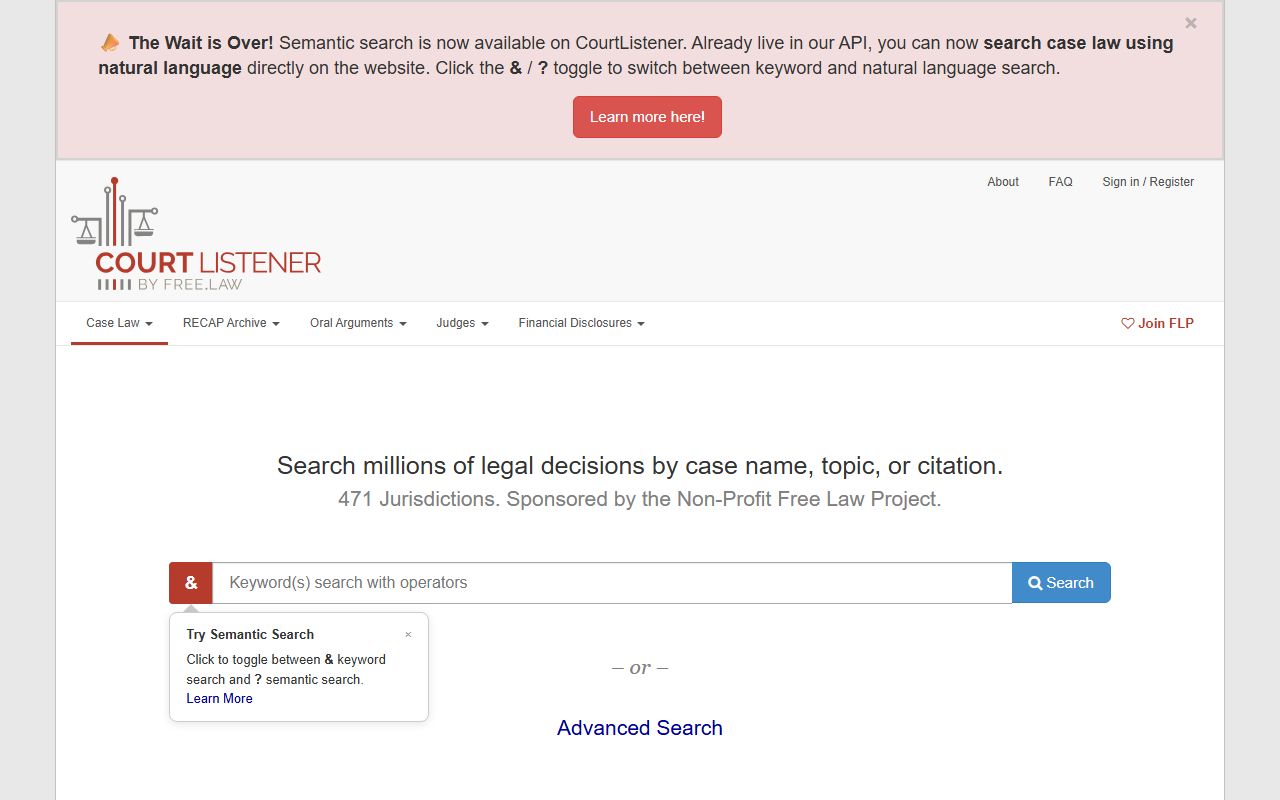
CourtListener is useful for Fourth Circuit and U.S. District Court opinions, but it does not hold Buncombe County state court records, which remain in the eCourts Portal.